


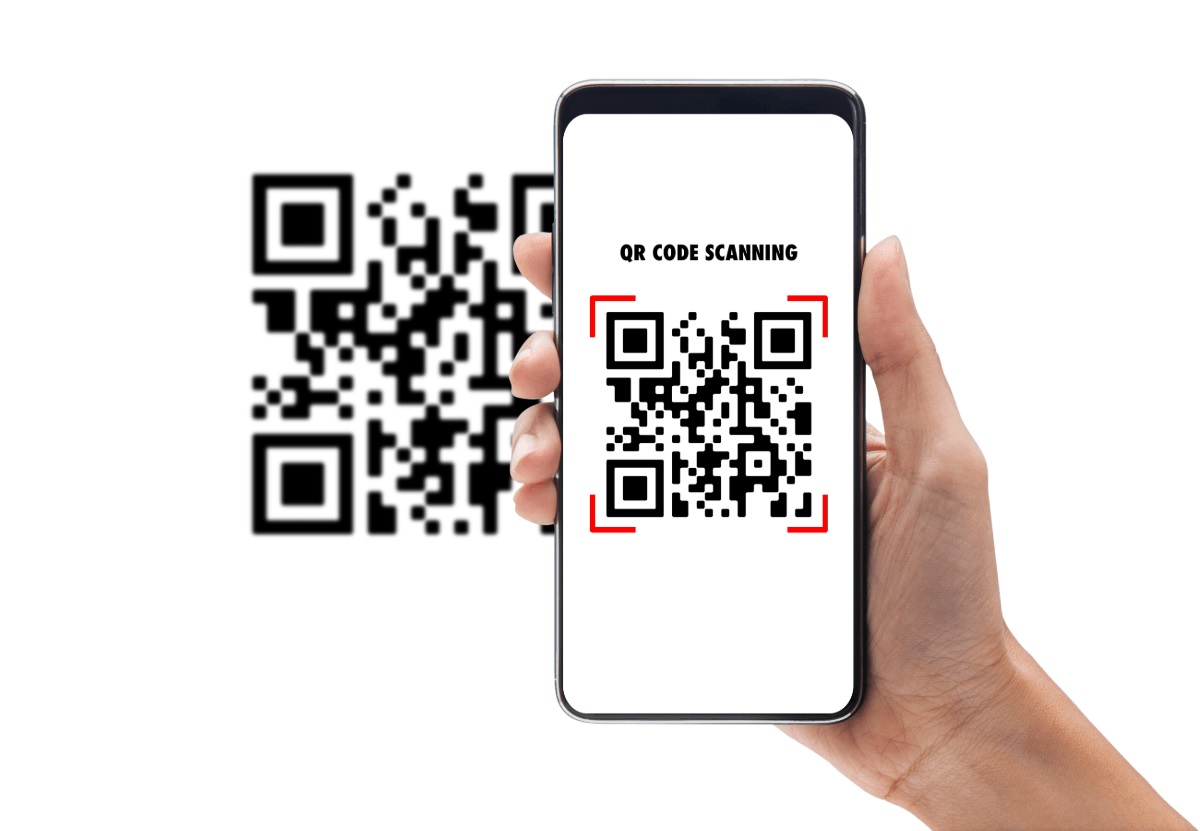
QR codes are everywhere these days—in menus, marketing materials, payment links, or sharing contact details. They are super convenient. But when you use a QR code generator to encode sensitive information—like login credentials, personal identification, payment data, or private documents—there are risks you should be aware of. By following the right security practices, you can enjoy the convenience without compromising safety.
One of the first things to consider is choosing a trustworthy QR code generator. A good session starts here: not all creators are equal. Use a generator that has strong reviews, transparent privacy policies, and secure protocols (e.g. encryption, SSL/TLS). When a generator handles sensitive info, make sure it does not store unencrypted data, or limit access to only authorized users. Always double-check what happens to your data after generation—does the service retain it, share it, or allow backups?
Once you generate a QR code with sensitive info, protect the content itself. If the QR leads to a URL, make sure that link is not only accurate but also uses HTTPS so that the data transmission is encrypted. If possible, use password protection or add authentication so that even if someone scans your QR code, they cannot view or misuse the information without proper authorization. For things like confidential documents or private links, consider encrypting the data before embedding it in the QR code, so that only someone with a decryption key can access it.
Also, test the code thoroughly before distribution. Scan it on multiple devices and with different QR scanning apps to ensure it leads to exactly what you expect, with no redirects or unexpected behaviors. Sometimes a QR code can be rendered incorrectly (colors, contrast, size) which might make it unreadable or allow malicious substitution. If you plan to display the code physically (on paper, posters, or labels), ensure it’s printed clearly and securely placed so that it cannot be easily replaced or tampered with by someone pasting a fake code on top.
Another tip: limit exposure and duration. If the sensitive information doesn’t need to be constantly available, set an expiration date for the QR code or rotate it periodically. If it points to a hosted file or page, ensure that access logs are monitored. If you detect any unusual scan activity (many scans from odd locations, repeated accesses), investigate promptly. Monitoring gives you a chance to catch misuse early.
Be very cautious about where you share the QR code. Avoid sending it through untrusted or insecure channels like generic emails, public postings without authentication, or social media where anyone might grab it. When people receive a QR code, they should also verify the source before scanning. If the QR code generator allows adding branding, watermarks, or custom frames, do so: visual cues help recipients recognize legitimate codes and reduce the chance of falling for fraudulent replacements.
Keep your tools updated. Ensure your device’s operating system and camera / QR-scanner apps are up to date, because vulnerabilities in outdated apps may let malicious QR codes exploit your device. And don’t use unknown third-party scanner apps that have no reputation or clear permissions—they may collect more data than needed or be insecure. When using built-in camera scan features or trusted scanner apps, you may get a preview of the link or content before being redirected: pause and check that preview for odd domain names, mismatched branding, or anything suspicious.
Finally, inform and educate anyone who will use your codes. If you’re distributing QR codes within a team or to customers, provide clear instructions on how to scan safely, how to report problems, and how to verify authenticity. Security isn’t just about tools—it’s about habits. Regular reminders about staying vigilant help.
Conclusion
In the world of digital communication, using a QR code generator for sensitive information can be safe—provided you apply solid security best practices. Choose a reliable service, encrypt and protect content, test and monitor usage, limit exposure, use trusted scanner tools, and educate users. These steps help ensure that the convenience of QR codes does not come at the cost of privacy or data safety. When done right, using QR code technology enhances efficiency without exposing you to unnecessary risk.