


Introduction to Computers
A computer is an advanced electronic machine capable of processing data, executing commands, and producing meaningful output at remarkable speed. It has become a vital tool in nearly every sector including education, business, healthcare, engineering, entertainment, and communication.
Computers operate through a systematic flow: accepting input, processing data, storing information, and generating output. Their evolution has revolutionized how humans solve problems and perform daily tasks.
What Is a Computer?
A computer is a programmable device designed to receive instructions, process data, and deliver results. It consists of two essential parts:
-
Hardware – The tangible physical components.
-
Software – Programs, operating systems, and applications.
Core Functions of a Computer
-
Input – Receiving data through devices like keyboards, scanners, or sensors.
-
Processing – Executing instructions via the CPU.
-
Storage – Holding data temporarily or permanently.
-
Output – Displaying processed information on screens or through printers.
-
Control – Managing internal operations and the flow of data.
Main Components of a Computer
1. Central Processing Unit (CPU)
The CPU is the central brain that performs all logical and arithmetic tasks. It includes:
-
ALU (Arithmetic Logic Unit) – Handles mathematical and logical computations.
-
CU (Control Unit) – Directs operations within the system.
-
Registers – Small, high-speed storage elements for immediate data handling.
2. Memory (RAM and ROM)
-
RAM (Random Access Memory) – Fast, temporary memory used while programs run, improving system performance.
-
ROM (Read-Only Memory) – Permanent memory storing essential system instructions like boot-up data.
3. Storage Devices
Computers use two main storage types:
-
HDD (Hard Disk Drive) – High-capacity mechanical storage.
-
SSD (Solid State Drive) – Faster, quieter, and more durable flash-based storage.
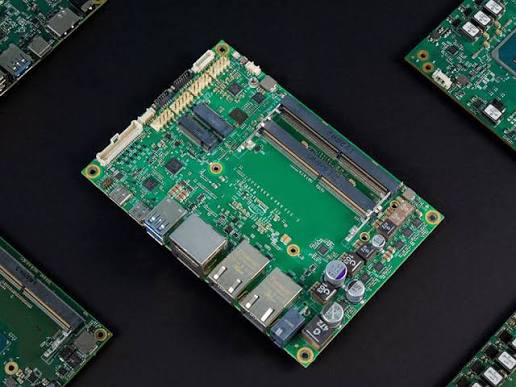
4. Motherboard
The motherboard is the main circuit board connecting all hardware components. It ensures communication between the CPU, memory, storage, and external devices.
5. Input Devices
These devices allow users to enter data and interact with the system:
-
Keyboard
-
Mouse
-
Touchscreen
-
Microphone
-
Scanner
6. Output Devices
These components deliver processed data to users:
-
Monitor
-
Printer
-
Speakers
-
Projector
7. Power Supply Unit (PSU)
The PSU converts electrical power from the wall outlet into stable, usable power for computer components, ensuring safe and continuous operation.
Types of Computers
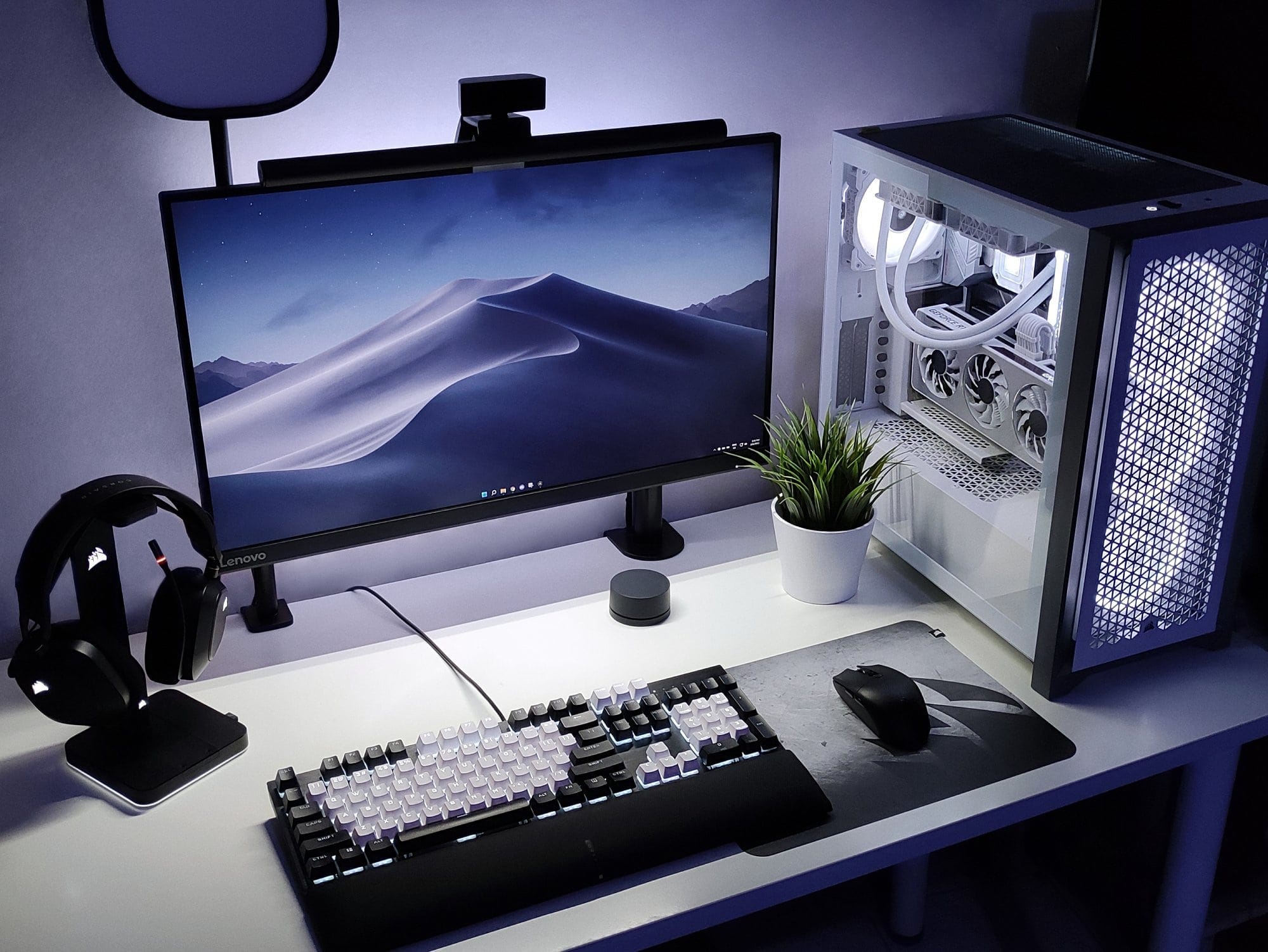
Personal Computers (PCs)
Commonly used for home, school, and office tasks. They include:
-
Desktops
-
Laptops
-
All-in-one computers
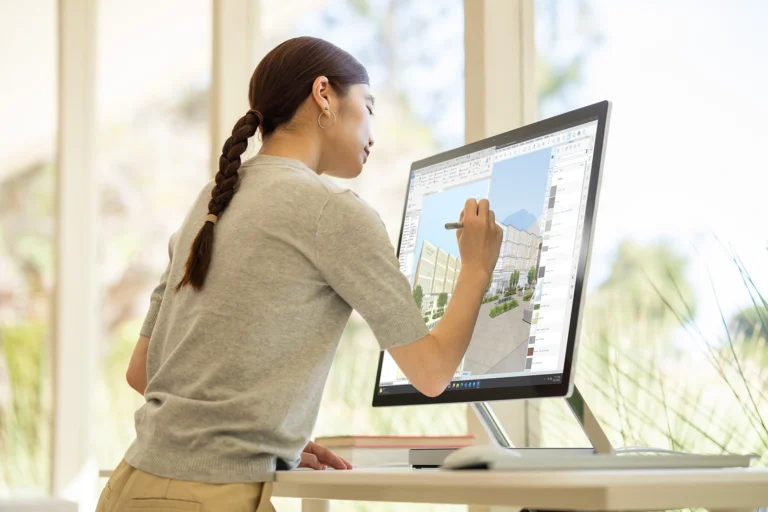
Workstations
High-performance machines used for tasks such as:
-
Graphic design
-
3D modeling
-
Engineering simulations
Servers
Powerful systems designed to manage network resources, host websites, store data, and provide services to multiple users at once.
Supercomputers
Ultra-powerful systems used for highly complex tasks such as climate modeling, nuclear research, and advanced scientific computations.
Embedded Systems
Computers embedded within machines and devices, such as:
-
Smart appliances
-
Automotive systems
-
Medical equipment
How Does a Computer Work?
A computer follows a systematic process known as the IPO cycle (Input → Process → Output).
-
Input Stage – Data enters the system via input devices.
-
Processing Stage – The CPU executes instructions and processes data.
-
Output Stage – Results are displayed or produced.
-
Storage Stage – Information is saved for future use.
-
Control Stage – The control unit directs and coordinates all activities.
Applications of Computers
Computers play an essential role in many domains, such as:
-
Education – Online learning, digital libraries.
-
Healthcare – Diagnosis, robotic surgeries, patient records.
-
Business – Data analysis, automation, communication.
-
Science & Research – Simulations, complex calculations.
-
Entertainment – Gaming, streaming, animation production.
-
Transportation – Navigation systems, traffic management.
Advantages of Computers
-
Fast and accurate data processing
-
High storage capacity
-
Automation of repetitive tasks
-
Enhanced communication
-
Reliable multitasking
-
Access to global information
Disadvantages of Computers
-
Risk of cyber threats
-
Potential dependency
-
High initial cost for advanced systems
-
Requires regular updates and maintenance
FAQs
1. What is the main purpose of a computer?
A computer’s primary purpose is to process data and execute instructions to perform various tasks efficiently.
2. What is the difference between hardware and software?
Hardware refers to physical components, while software consists of programs and operating systems that control hardware.
3. Which is faster: SSD or HDD?
An SSD is significantly faster, more durable, and more energy-efficient compared to an HDD.
4. What makes a computer powerful?
A combination of a strong CPU, ample RAM, fast storage, and an efficient graphics unit contributes to overall power.
5. Why is RAM important?
RAM allows programs to run smoothly by storing temporary data for quick access.
6. What is an operating system?
It is software that manages hardware resources and provides an interface for users to interact with the computer.
7. Can a computer work without an internet connection?
Yes, a computer can perform many tasks offline, though internet access expands its capabilities.